
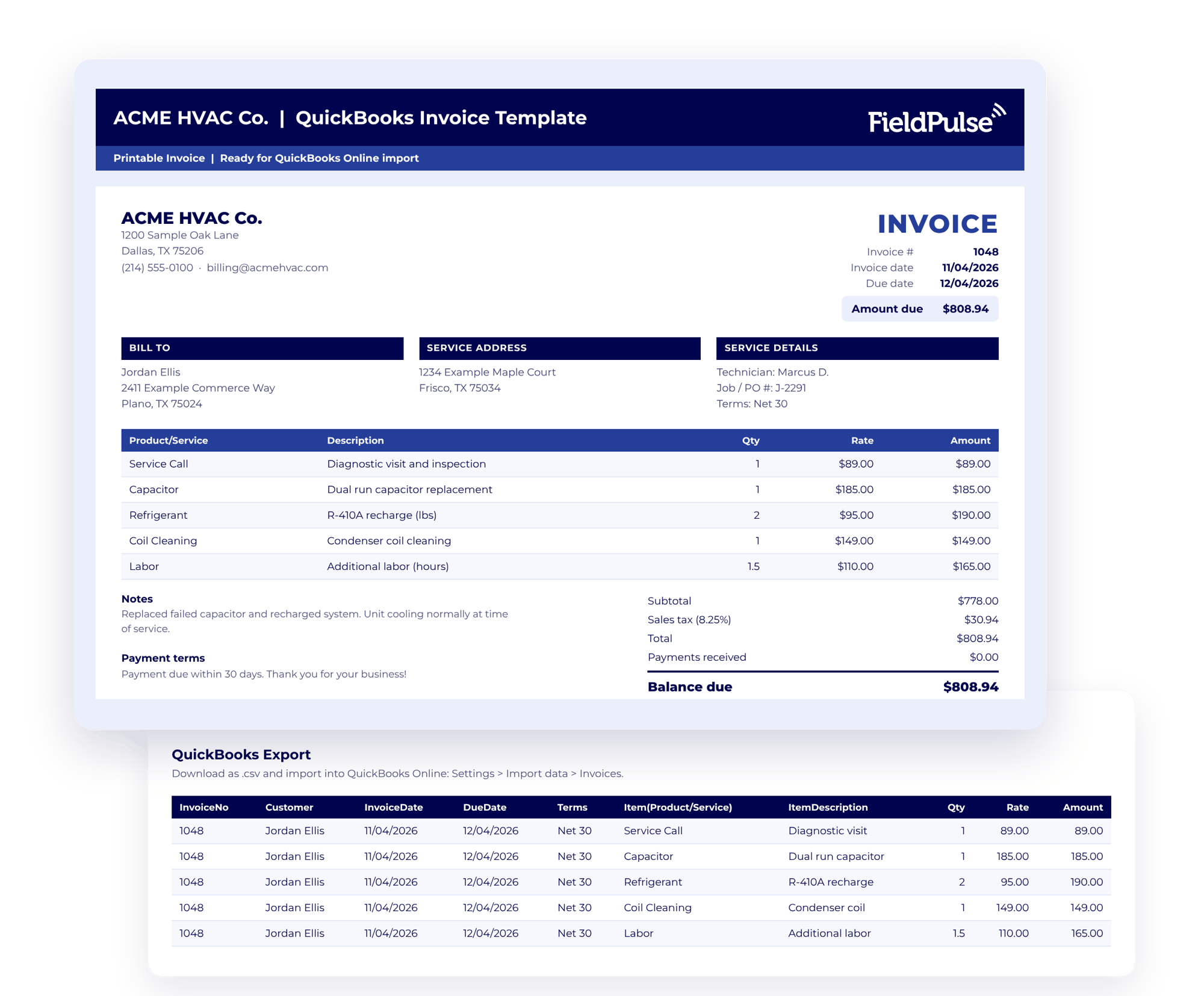
Get Your Free QuickBooks Invoice Template

Build a professional invoice for every job, send it as a PDF, and bring it into QuickBooks Online without retyping it. Fill in your company info once, then just change the customer and line items for each invoice.

  • Send a clean, branded invoice with your logo, bill-to and service addresses, technician, and job or PO number
  • Let the math run itself: due dates, subtotals, sales tax on taxable lines, and balance due all calculate for you
  • Skip retyping into QuickBooks: the export tab is formatted for QuickBooks Online’s invoice import, so you can download a CSV and upload it
quickbooks-invoice-template

Skip the Export With FieldPulse

QuickBooks Sync

Keep QuickBooks in Sync Automatically

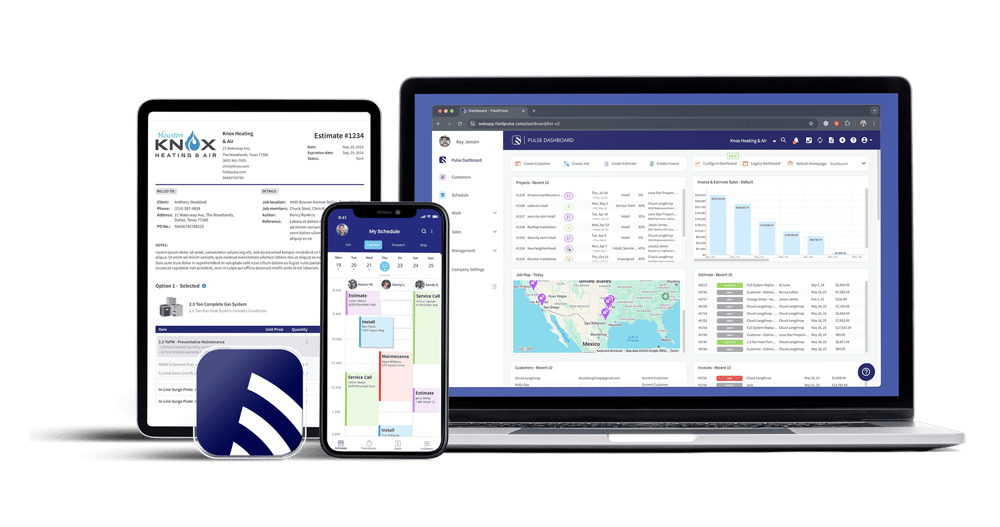
FieldPulse connects to QuickBooks Online and syncs customers, estimates, invoices, and payments both ways. Enter a job once, and your books stay current without anyone re-keying it in the office.

Learn More
Estimates and Invoices

Turn the Estimate Into the Invoice

When the customer approves the estimate, convert it to an invoice in one click. No retyping, no missed line items, and it’s ready to sync to QuickBooks once it’s sent.

Learn More
FP Payments 2

Know What’s Paid Without Checking Two Systems

When a customer pays in FieldPulse, the payment syncs to QuickBooks Online too, so the office and your books always match. See what’s been sent, what’s paid, and what’s overdue in one place.
Learn More

Ready to Stop Entering Invoices Twice?

Field Service Software 1-1