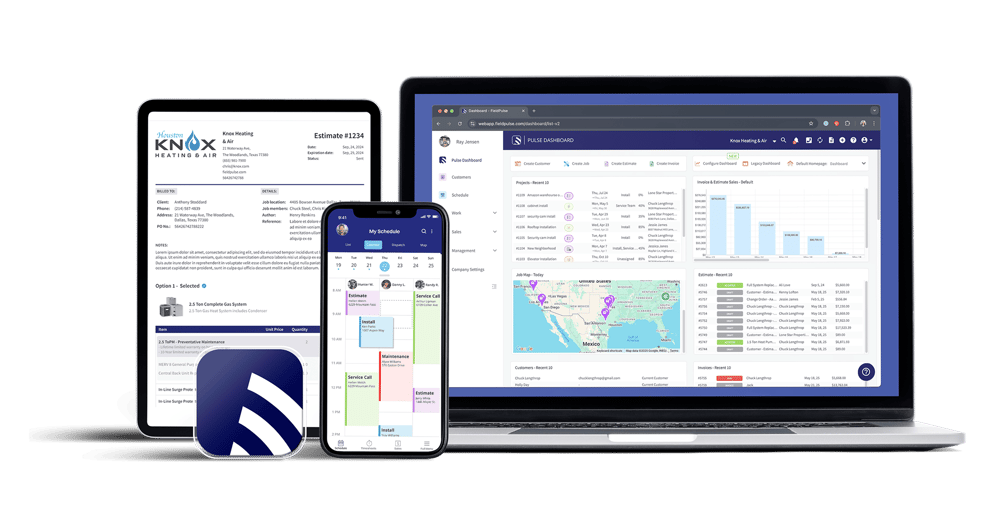
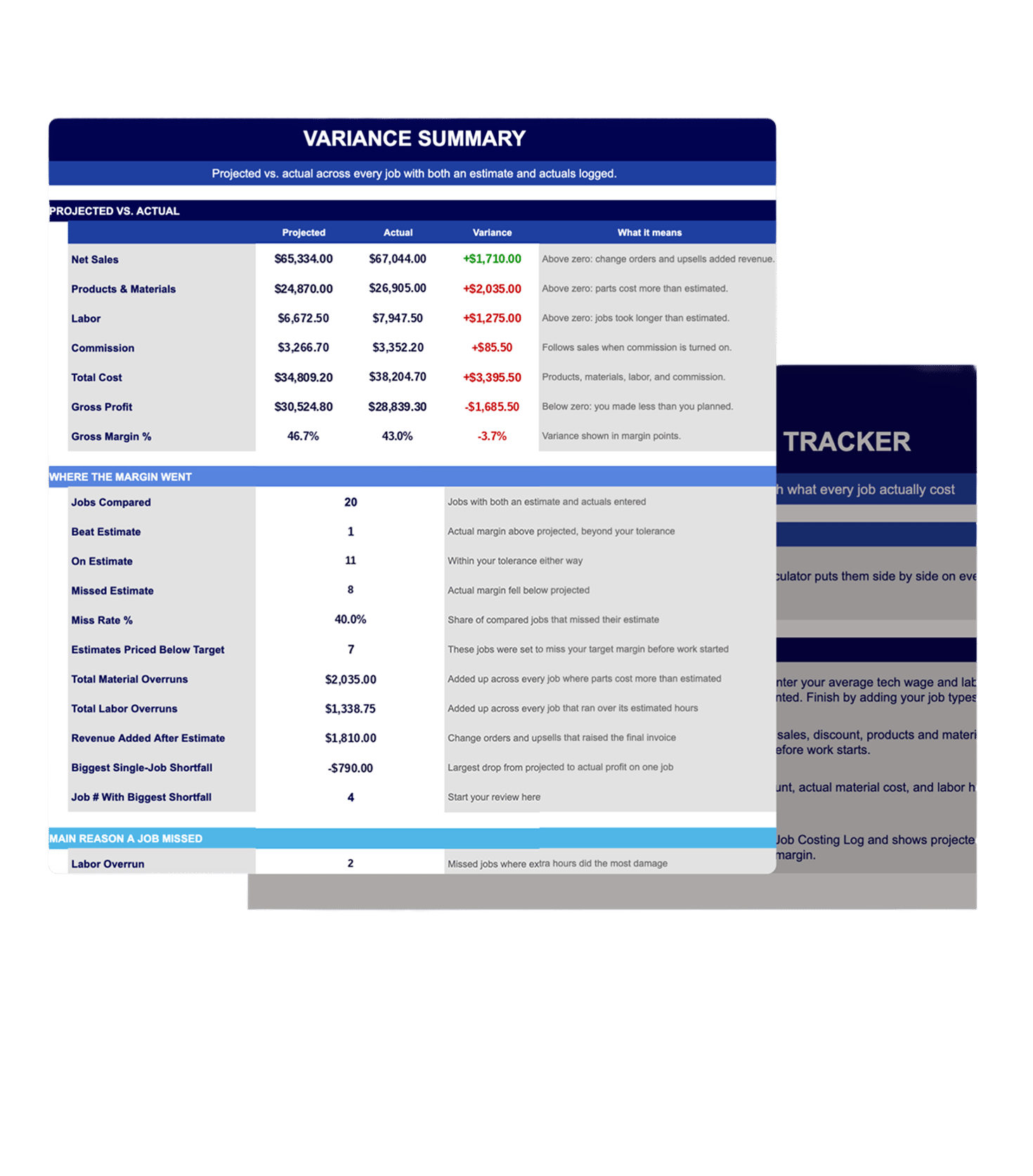
Compare What You Quoted to What You Made
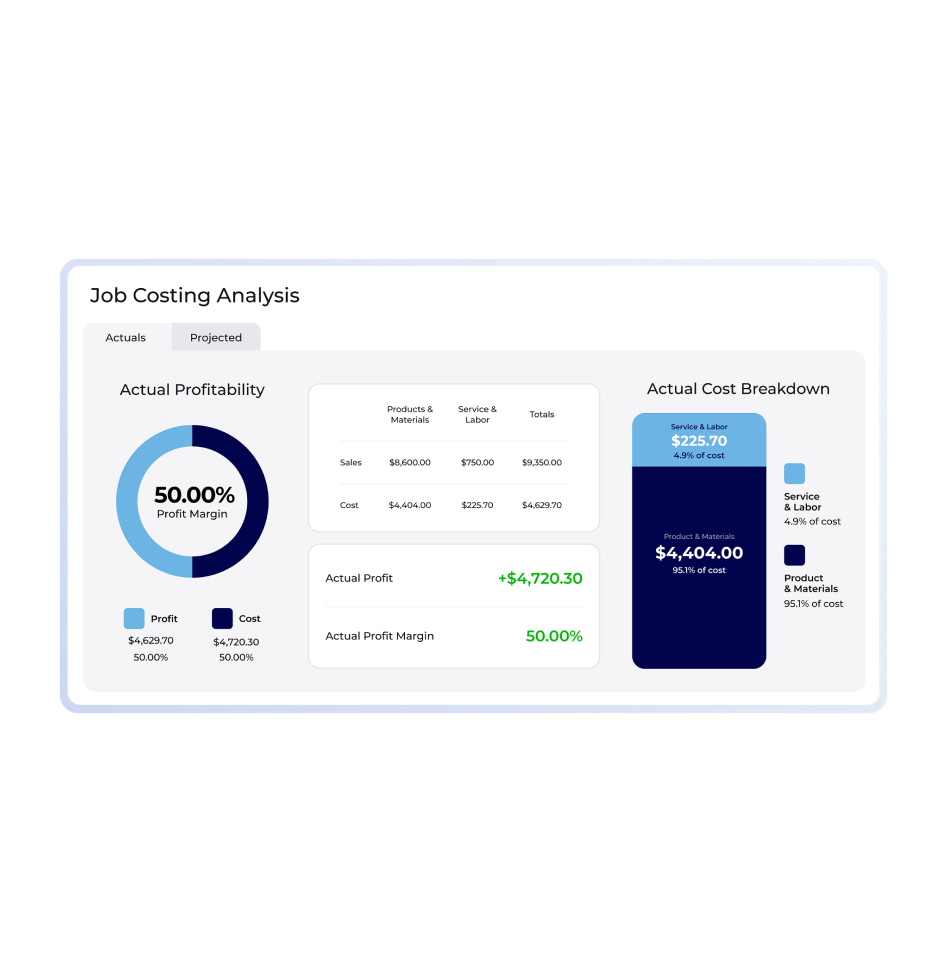
See your projected profit and margin before the job starts, then your actual profit and margin once it’s done. FieldPulse breaks every job down line by line, so you can see exactly where you gained or lost money.
.png?width=947&height=971&name=FieldPulse%20Job%20Costing%20(2).png)
Know Which Jobs Are Paying Off
Build a job report to check profit margin on completed work. Filter and group your jobs the way you want, then save the report to your dashboard.
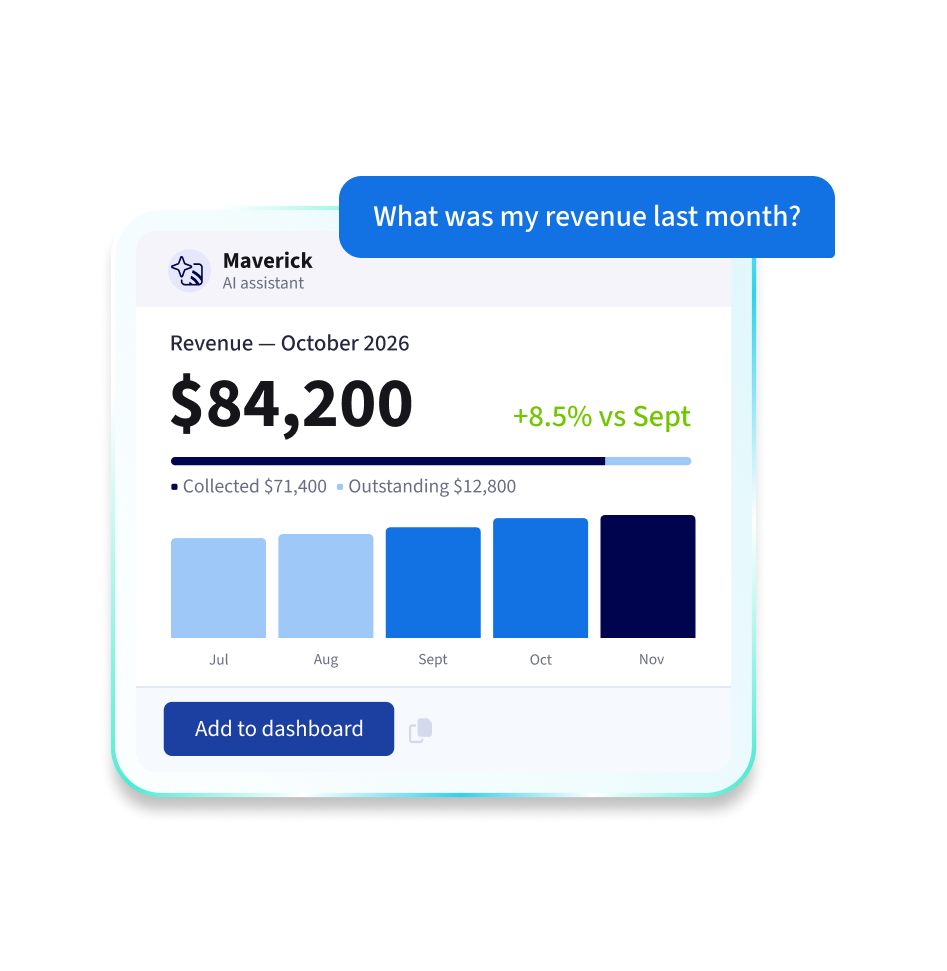
Ask Instead of Digging
Maverick, FieldPulse’s AI assistant, answers questions from your account’s own records and builds reports as a number, table, or chart. Pin any report to your dashboard as a live widget, or get a summary of your reports emailed to you on a schedule.